What is NBody Calculation GPU? (Understand NBody GPU 2025)
NBody Calculation on GPU uses a graphics card to simulate interactions between multiple particles or bodies, like planets or atoms. GPUs handle massive parallel computations efficiently, making NBody simulations much faster than traditional CPU-based processing.
This NBody Calculation on a GPU helps scientists and engineers perform high-speed physics simulations with remarkable accuracy and performance.
Why Does N-Body Benchmark Favor Older GPUs?
Older GPUs often perform better in the N-Body benchmark because the test measures raw compute power rather than new AI or ray-tracing cores.
Main reasons:
- Higher FP32 utilization: Older GPUs dedicate more cores to floating-point math.
- No Tensor or RT cores needed: The benchmark does not use newer GPU features.
- Focus on computation speed: It measures raw math performance, not power efficiency.
How to Run N-Body Simulation on GPU?
Running an N-Body simulation on a GPU is simple if you use CUDA or OpenCL. These platforms calculate forces between particles in parallel.
Basic steps:
- Install the latest NVIDIA or AMD GPU drivers.
- Set up CUDA Toolkit or OpenCL SDK.
- Load particle data into GPU memory.
- Run the kernel to calculate gravitational forces.
- Visualize or save the simulation results.
Tip: Start with ready-made CUDA or OpenCL sample codes to save time
What Does the N-Body Benchmark Measure?
The N-Body benchmark measures how efficiently a GPU calculates gravitational forces between particles. It tests computer performance, not gaming ability.
It mainly measures:
- Floating-point performance (GFLOPS)
- Memory bandwidth
- Parallel processing efficiency
- Performance at large particle counts
How Accurate is GPU N-Body Benchmark?
The N-Body benchmark accurately shows compute performance but does not fully represent real-world physics. It is best for testing GPU speed.
Accuracy depends on:
- Floating-point precision (FP32 or FP64)
- Algorithm optimization
- GPU drivers and compilers
- Simulation length and particle size
Is CUDA Faster Than OpenCL for N-Body?
CUDA is usually faster than OpenCL on NVIDIA GPUs because it is optimized for NVIDIA hardware and offers better stability.
| Feature | CUDA | OpenCL |
| Performance on NVIDIA GPUs | Generally faster | Slightly slower |
| Optimization | High (vendor-specific) | Moderate (cross-platform) |
| Ease of Setup | Easier with CUDA Toolkit | Manual setup |
| Hardware Support | NVIDIA only | Works on AMD, Intel, NVIDIA |
In short:
- CUDA gives better speed and optimization.
- OpenCL gives flexibility across platforms.
What is the Best GPU for N-Body in 2025?
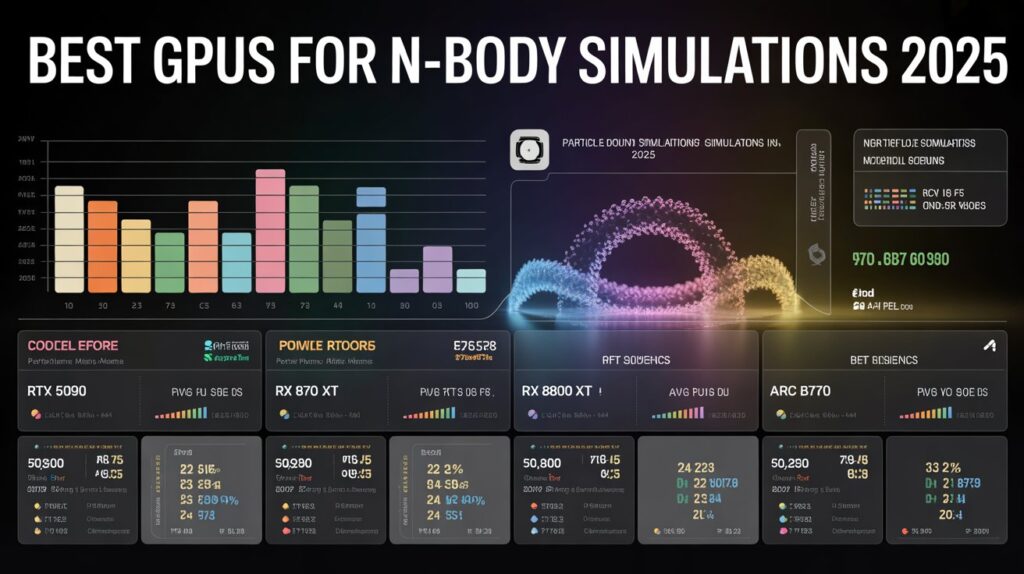
In 2025, the NVIDIA RTX 4090, RTX 4080, and AMD RX 7900 XTX deliver top-tier N-Body simulation performance. They provide excellent FP32 power, large VRAM, and stable cooling for extended workloads.
| GPU Model | Architecture | FP32 Performance | Memory (GB) |
| NVIDIA RTX 4090 | Ada Lovelace | ~83 TFLOPS | 24 GB |
| NVIDIA RTX 4080 | Ada Lovelace | ~49 TFLOPS | 16 GB |
| AMD RX 7900 XTX | RDNA 3 | ~61 TFLOPS | 24 GB |
Why they’re the best:
- Strong FP32 performance for physics workloads
- High memory bandwidth
- Efficient cooling for stability
How to Optimize CUDA Kernels for N-Body?
Optimizing CUDA kernels helps maximize GPU performance and reduce lag in simulations.
Best optimization tips:
- Use shared memory: Store nearby particle data locally to cut latency.
- Optimize thread blocks: Use 128–256 threads per block for balance.
- Reduce operations: Use fused multiply-add (FMA) and precompute constants.
- Balance precision: FP32 for speed, FP64 for accuracy depending on th
Tip: Always profile your code using NVIDIA Nsight to find slow sections
GPU or CPU: Which Is Better for Physics?
GPUs outperform CPUs in large-scale, parallel simulations, while CPUs excel in smaller, precision-based models.
| Feature | GPU | CPU |
| Performance Type | Massively parallel | Sequential & precise |
| Best For | Large-scale simulations | Small, detailed models |
| Energy Efficiency | High for parallel tasks | Lower for heavy math |
| Ease of Coding | Needs CUDA/OpenCL | Easier with C/C++ |
Learn more here: Is BRAW GPU Accelerated? (2025 Performance Guide)!
In short:
- GPUs = faster for bulk physics processing.
- CPUs = better for accuracy and control.
What Are Real-World Uses of N-Body GPU Simulation?
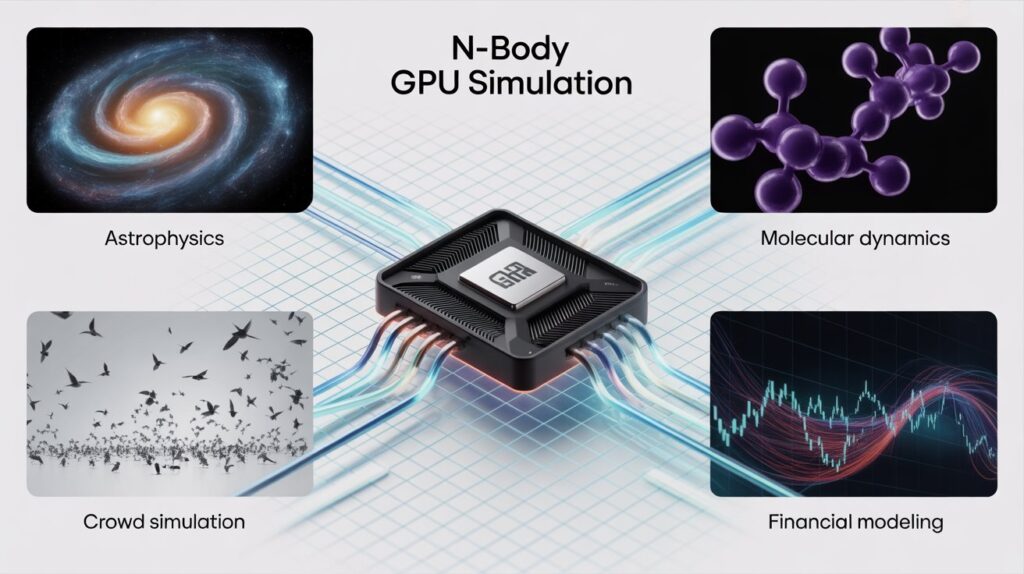
N-Body GPU simulations are used in science, AI, and gaming to study how particles interact under natural forces.
Common uses:
- Astrophysics: Modeling galaxies, black holes, and star systems.
- Molecular dynamics: Simulating molecules for drug research.
- Fluid simulations: Creating lifelike effects in animation and games.
- AI and robotics: Predicting movement and object collisions.
- Education: Teaching simulation and computational modeling.
Does Memory Bandwidth Affect NBody Speed?
Yes, memory bandwidth has a significant impact on N-Body performance. Each GPU thread constantly reads and writes data; limited bandwidth can cause significant slowdowns.
Why it matters:
- Frequent data access: Each particle interacts with many others.
- Cache limits: Large simulations can exceed cache capacity.
- Bandwidth bottlenecks: Slow VRAM reduces compute efficiency.
Solution: Use GPUs with GDDR6X or HBM3 memory to maintain high throughput and smooth simulation flow.
FAQ’s:
1. What is the N-Body GPU benchmark?
The N-Body GPU benchmark is a simple test that checks how fast a graphics card can calculate the movement of many tiny objects. It helps measure the GPU’s processing speed.
2. Why do older GPUs score higher in the N-Body benchmark?
Older GPUs can score higher because the N-Body test depends mostly on raw computing power. Some older high-end GPUs simply have more power for this type of calculation
3. Is the N-Body benchmark good for real physics simulations?
It is excellent for computer testing, but does not reflect complete scientific accuracy.
4. Which GPU is best for N-Body simulation in 2025?
The RTX 4090 and RX 7900 XTX deliver the best particle simulation performance.
5. Does more VRAM improve N-Body performance?
Yes, it allows larger datasets and smoother computation without slowdowns.
Conclusion:
The NBody GPU calculation transforms physics simulations in 2025 by delivering high-speed, accurate particle interactions. With powerful GPUs like the RTX 4090 and RX 7900 XTX, scientists and engineers can run complex N-Body simulations faster than ever, achieving better performance, precision, and efficiency in research and real-world applications.