How To Choose A Computer For Graphic Design? (Complete Guide)
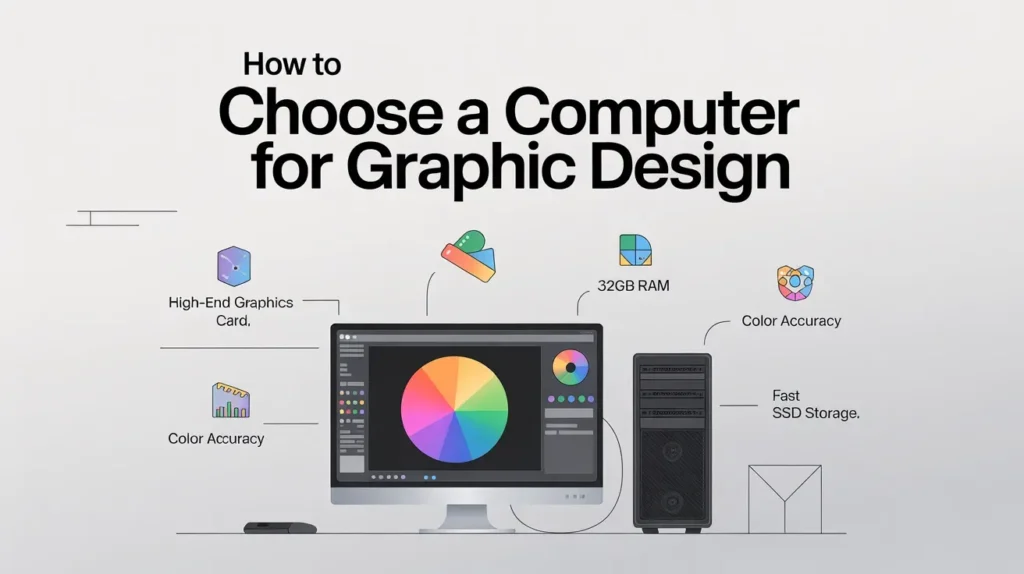
To pick a computer for graphic design, look for a fast processor, plenty of RAM (16GB+), a good graphics card, and a color-accurate screen. Make sure it meets your design software needs and is reliable for everyday use.
In this article, we will explore how to choose a computer for graphic design, focusing on speed, RAM, graphics, and a color-accurate screen to make your work smooth and professional.
Why Choosing the Right Computer Matters for Graphic Design
Choosing the right computer for graphic design can make your work smoother, faster, and more enjoyable. A poorly chosen machine can slow down your workflow and limit the creative projects you can take on.
What Happens When You Pick the Wrong Computer for Design Work
Picking the wrong computer can make creative work frustrating. Slow software, lagging performance, and crashes can stop you from finishing projects on time.
Core Specifications You Must Know
When picking a computer for graphic design, certain specifications make all the difference. These determine how smoothly your software runs and how easily you can handle complex projects.
Detailed Points to keep in mind:
- Go for a fast multi-core processor like Intel i7 or AMD Ryzen 7. It keeps your software running smoothly, even with heavy files
- At least 16GB of RAM is recommended to work with multiple layers and programs without lag.
- A dedicated GPU helps with rendering, 3D modeling, and video editing, making your workflow faster.
- Choose an SSD (512GB or more) for quick software load times and easy access to large design files.
- A high-resolution screen (Full HD or 4K) with accurate colors is essential for precise design work.
- USB-C, HDMI, and SD card slots make it easier to connect devices and transfer files.
- A long-lasting battery ensures uninterrupted work, especially if you move between locations.
Which Computer Types Work Best for Graphic Design
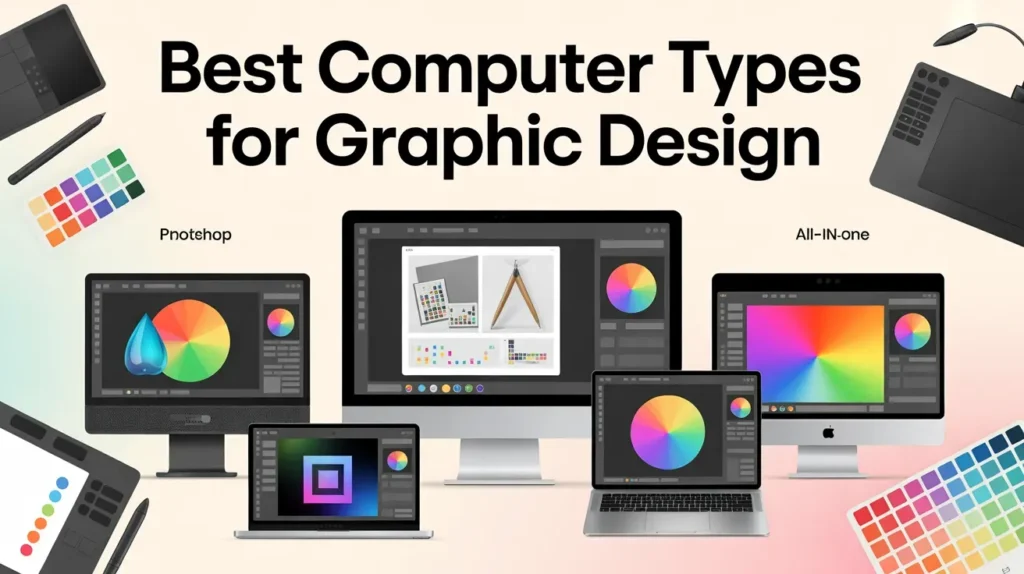
Not every type of computer is suitable for graphic design work. The best choice depends on how you work, what software you use, and whether you value power, portability, or flexibility.
How to Match Your Computer to Your Software Needs
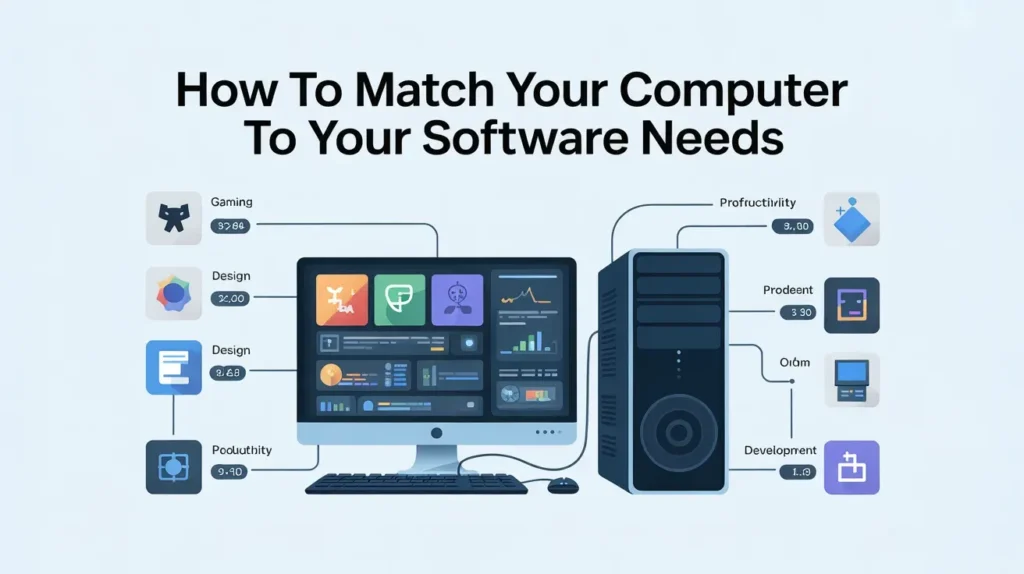
Different graphic design software needs different levels of power. Choosing a computer that matches your tools helps you work faster and avoid performance issues.
You don’t need the most expensive computer to do good graphic design. The right choice depends on your budget and the level of work you plan to do.
Budget-Based Recommendations:
- Suitable for beginners handling basic design tasks, such as simple edits and small projects.
- Ideal for regular designers working with Adobe tools and moderate file sizes.
- Best for professionals managing large files, 3D work, or heavy multitasking.
- Balanced systems that offer strong performance without unnecessary extras.
FAQs:
Which computer features matter most for graphic design beginners?
Beginners should focus on a fast processor, at least 16GB RAM, and a color-accurate display.
How much RAM is enough for graphic design work today?
For most graphic design tasks, 16GB RAM is the ideal starting point for smooth performance.
Is a dedicated graphics card necessary for graphic design?
Yes, a dedicated graphics card helps improve performance, especially for complex designs, 3D work, and motion graphics.
Can a budget computer handle professional design software?
Yes, a budget computer can handle professional design software if it has enough RAM, an SSD, and a decent processor.
Is a gaming computer a bad choice for graphic design?
No, gaming computers often work well for graphic design because they have powerful CPUs and GPUs.
Conclusion:
In conclusion, choosing the right computer for graphic design ensures smooth performance, accurate colors, and faster workflow. By focusing on a fast processor, enough RAM, a good graphics card, and matching your software needs, you can pick a reliable system that fits any budget and design task.