
How Long Do Security Cameras Keep Footage? (Read Now 2025)
Security cameras usually keep footage for 7 to 90 days. Your storage type, camera settings, recording mode, and number of cameras control this time. When storage fills up, your system deletes old footage automatically.
This guide explains security camera footage retention in clear, simple terms, using real examples, so you know exactly how long your footage lasts and how to keep it longer.
What Is Security Camera Footage Retention?
Security camera footage retention means the total time recorded video stays saved before the system deletes or overwrites it. Retention is not based on dates or calendars. It works on storage capacity.
If your system has space, footage stays longer. If storage fills up, older recordings are removed automatically. Depending on your setup, retention can last a few hours, several days, or many months. Most systems use a rolling method, where new footage replaces the oldest files.
Why Does Security Camera Footage Retention Matter?
Footage retention matters because video evidence only helps if it still exists when you need it. Once footage is deleted, it cannot be recovered in most cases.
Retention is important because it helps you:
- Review incidents days or weeks later
- Identify faces, vehicles, or actions
- Support police reports and insurance claims
For example, if your camera stores only 7 days of footage and you check after 10 days, the evidence is already gone. This is why understanding retention is critical for both homes and businesses.
What Determines How Long Cameras Keep Footage?
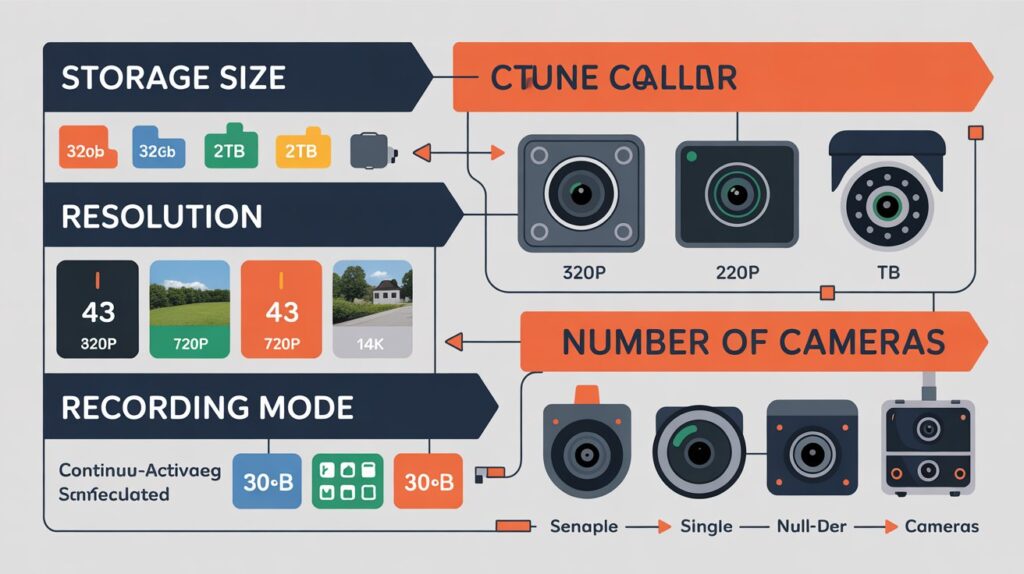
Several factors work together to decide how long footage is stored.
Storage size is the biggest factor. A 1TB drive fills much faster than a 4TB drive.
Video quality also matters. Higher resolution uses more space.
Recording mode plays a major role. Motion recording saves far more storage than 24-hour recording.
The number of cameras reduces retention because all cameras share the same storage.
Example:
A 1TB DVR with 4 cameras recording 1080p nonstop may keep about 10 to 14 days.
The same system using motion recording may keep 30 days or more.
Is Cloud or Local Storage Better for Longer Retention?
Choosing between cloud and local storage depends on how long you want to keep your footage and how much control you need.
Both options work well, but they store video in very different ways and offer different retention limits.
| Feature | Cloud Storage | Local Storage (DVR/NVR/SD Card) |
| Retention Time | Fixed by subscription plan | Depends on the hard drive or card size |
| Storage Limit | Managed by the provider | Limited by physical storage |
| Access | View footage anywhere online | Access mainly on-site |
| Security | Protected from theft or damage | Risk if the device is stolen |
| Cost | Monthly or yearly fee | One-time hardware cost |
| Best For | Long-term, worry-free storage | Full control without subscriptions |
Cloud storage is best for users who want longer and more reliable retention without managing hardware.
Local storage suits those who prefer no monthly fees and direct control over their footage.
How Long Do Cloud Security Cameras Store Footage?
Most cloud security cameras store footage for 7 to 30 days on basic plans. These plans work well for normal home use.
Higher plans usually store footage for 60 to 180 days, depending on the provider and usage. Business plans often offer longer retention.
Cloud systems delete older footage automatically once the retention limit is reached. Motion activity can shorten retention if the camera records frequently.
How Long Do DVR, NVR, or SD Card Cameras Store Video?
DVR Cameras:
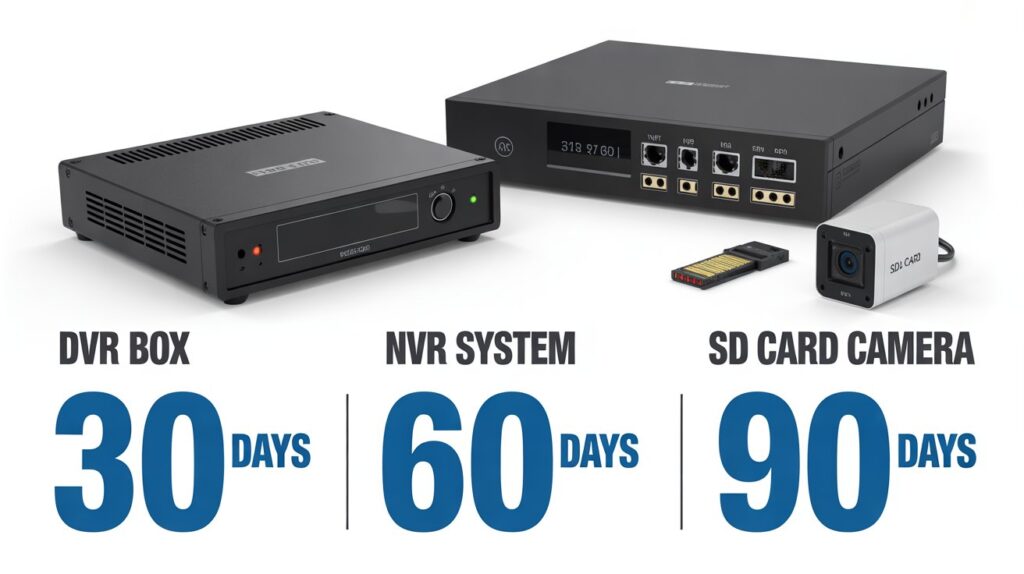
DVR systems usually store footage for 7 to 30 days. Retention depends on hard drive size and recording settings.
NVR Cameras:
NVR systems support larger drives and better compression. They often store footage for 14 to 90 days, especially when motion recording is used.
SD Card Cameras:
SD card cameras have limited storage. Most store footage for 1 to 14 days before overwriting old files. These are best for short-term monitoring only.
How Do Resolution and Frame Rate Affect Storage Time?
Higher resolution and higher frame rates use more storage and reduce retention time.
- 4K video uses much more space than 1080p
- Higher frame rates create smoother video, but fill storage faster
- Lower resolution and moderate frame rates increase retention
For most users, 1080p with a balanced frame rate provides clear video while keeping footage longer.
Does Motion Detection Save More Than 24/7 Recording?
Yes. Motion detection saves a large amount of storage. Instead of recording empty scenes, the camera records only when activity occurs.
In low-traffic homes, motion recording can extend retention from a few days to several weeks. Continuous recording is useful for high-risk areas but reduces storage quickly.
How Does the Number of Cameras Reduce Storage Time?
Each camera adds more data to the same storage system. When multiple cameras share one drive or cloud plan, storage fills faster.
Example:
A system with 2 cameras may store 30 days.
The same system with 6 cameras may store only 10 to 14 days.
To maintain retention, storage must increase as cameras are added.
How Long Do Home Security Cameras Keep Footage?
Home security cameras usually store footage for a few days to one month.
- Cloud storage often keeps 7 to 30 days
- SD cards usually store 1 to 2 weeks of data
- Motion recording extends storage time
- Old footage is overwritten automatically
Retention depends heavily on daily activity and settings.
How Long Do Business Security Cameras Store Footage?
Businesses usually store footage longer due to legal and safety needs.
Most businesses keep footage for 30 to 90 days. Larger systems with high storage can keep footage for 6 months or longer.
Industries like banks, hospitals, and retail often follow strict retention policies based on local laws and compliance rules
How Long Do Doorbell Cameras Keep Video History?
Doorbell cameras usually store 7 to 30 days of video history through cloud plans.
Some models allow local storage, which can extend retention. Motion recording helps keep footage longer because recording only happens when someone approaches the door.
How Can You Increase Footage Retention Without New Hardware?
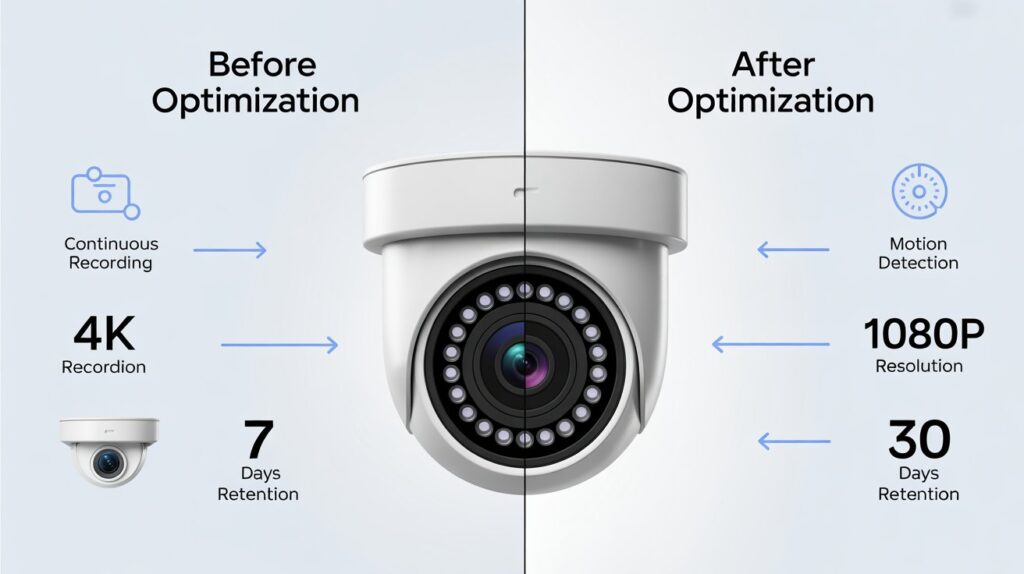
You can extend retention by adjusting settings:
- Lower video resolution
- Use motion recording
- Reduce frame rate
- Save only important clips
- Archive footage manually
These changes can double or even triple retention without extra cost.
Are There Legal Limits on the Retention of Security Camera Footage?
Yes. Laws vary by country and industry.
Most regions require businesses to limit retention and respect privacy rules, especially in public or work areas. Regulations such as GDPR in Europe focus on storing footage only as long as necessary.
Best practice is to keep footage long enough for security needs, then delete it responsibly.
FAQ’s:
Do security cameras delete footage automatically?
Yes. Most systems overwrite the oldest footage when storage is full.
What is the average retention time?
Most cameras store footage for 7 to 90 days.
Can footage be stored forever?
No. Privacy laws and storage limits usually prevent this.
Does motion detection increase retention?
Yes. It reduces unnecessary recording.
What affects retention the most?
Storage size, resolution, and recording mode.
Conclusion:
Security camera footage retention depends on storage type, camera settings, and how recording is used. Most systems keep footage for 7 to 90 days. By using motion detection, proper resolution, and smart storage management, you can protect important footage and avoid losing evidence when it matters most.