How To Check Laptop Performance? (Complete Guide)
You can check laptop performance by running system diagnostics, monitoring CPU and RAM usage, testing boot and app speed, checking battery and disk health, and using performance tools like Task Manager or benchmarking software for accurate results.
We will explore simple ways to check your laptop’s performance.
Learn how to test CPU, RAM, battery, and speed quickly.
How to Test Laptop Performance?
You can check laptop performance by observing how fast your system responds and by using built-in tools to monitor CPU, RAM, storage, and battery behavior during normal use.
Ways to check laptop performance easily
Check how quickly your laptop boots and opens apps
Notice delays, freezing, or lag during multitasking
Monitor CPU, memory, and disk usage through system tools
Observe battery drain and heat while working.
Why Checking Laptop Performance Is Important?
Checking laptop performance helps you understand whether your system is working properly or slowly losing efficiency over time. It also helps you catch small issues before they turn into big problems.
How to Check Laptop Performance on Windows?
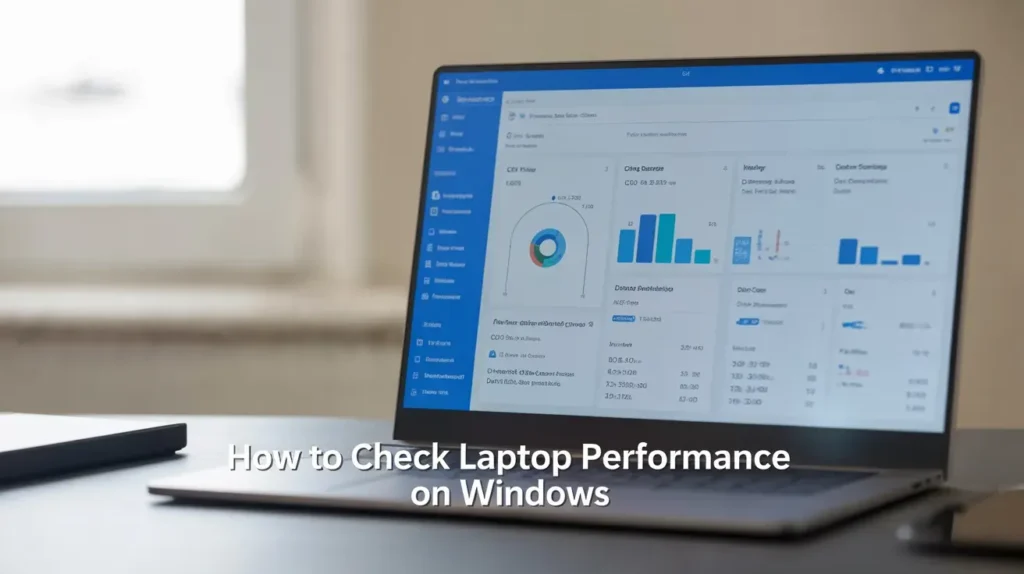
Windows provides built-in tools that make it easy to check laptop performance without installing any extra software. These tools show how your system is using its resources in real time.
Laptop Performance Score Ranges
Laptop performance scores help you understand whether your system is suitable for basic tasks or heavy workloads. These ranges make it easier to compare performance without technical confusion.
Signs You Should Worry About Laptop Performance
Some performance issues are normal over time, but certain signs mean your laptop needs attention. Ignoring these signs can lead to bigger problems later.
When performance becomes a serious issue

Sign
What it means
Constant overheating
Cooling system or CPU issue
100% disk usage
Storage or software problem
Random restarts
Hardware or power failure
Your Laptop Performance Good Enough
A laptop’s performance is good enough if it handles your daily tasks smoothly without delays, overheating, or constant errors. The key is matching performance to your actual needs, not chasing high specs.
FAQs:
Can I check laptop performance without installing any software?
Yes, most laptops include built-in tools that show CPU, RAM, storage, and battery usage. These tools are enough for checking everyday performance without extra apps.
Which laptop part affects performance the most?
The processor and RAM usually have the biggest impact on speed and multitasking. Storage type also matters, especially when comparing SSDs to older hard drives.
Is high CPU usage always a bad sign?
No, high CPU usage is normal during heavy tasks like gaming or video editing. It becomes a concern only if it stays high during simple tasks.
Does upgrading RAM improve laptop performance?
Yes, adding more RAM can significantly improve multitasking and reduce system lag, especially on laptops with low memory.
Can a slow laptop still be used for basic work?
Yes, a slow laptop can handle basic tasks like browsing and document editing, but it may struggle with multitasking or demanding software.
Conclusion:
Understanding how to check laptop performance helps you maintain speed, stability, and reliability over time. By regularly reviewing CPU usage, RAM, storage health, battery condition, and overall system responsiveness, you can identify problems early, improve efficiency, and ensure your laptop performs well for work, gaming, and everyday tasks without interruptions.